Advertise your brand
Sponsored banner placements on SocialTools Online — labeled ads that link to your site and stay separate from our tools and guides.
Why advertise here
SocialTools Online is a free toolkit for Instagram, TikTok, YouTube, SEO, images, and text. Visitors arrive with clear intent: grow an account, fix on-page SEO, or ship creative assets. A sponsored banner puts your brand in front of that audience without pretending to be an editorial review.
- Placements on the homepage, every tool page, hubs like SEO tools, guides, footer, and a floating ad unit
- Google-style labeling (Ad / Sponsored) and
rel="sponsored"outbound links - Editorial independence in our editorial policy
Ad formats you get
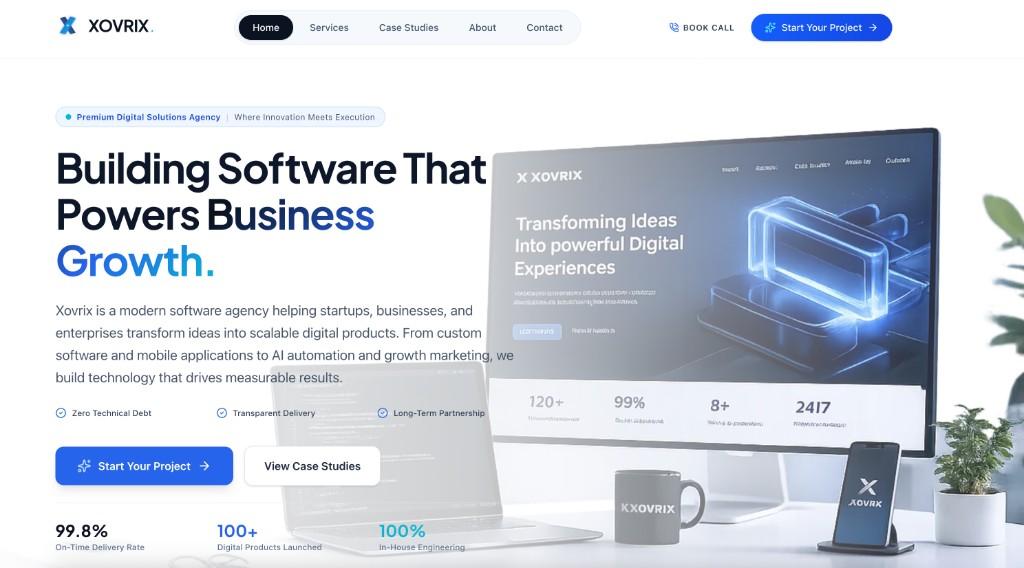
Same creative, multiple sizes — preview of the live Xovrix unit:
In-feed unit
Compact / floating
Request a placement
Tell us about your brand, website, and goals. Attach or link a banner (~1200×630 works best). We reply to the email you provide. For press or embeds, use the press kit or contact instead.
Frequently asked questions
What does an ad placement look like?▼
Labeled Google-style ads with an optional banner image, headline, display URL, and short description. They appear on the homepage, tool pages, hubs, guides, footer, and as a dismissible floating unit — always marked Ad / Sponsored.
Will advertising change tool rankings or guide advice?▼
No. Ads are visually separated from editorial content. Advertisers do not influence which tools we build, recommend, or how we order the directory. See our editorial policy.
Who sees SocialTools Online traffic?▼
Creators, marketers, and small businesses looking for free Instagram, TikTok, YouTube, SEO, image, and text utilities — people already researching growth and on-page SEO.
How do I request a placement?▼
Use the advertise form on this page with your name, email, website, and a short pitch. Include a banner image (recommended ~1200×630) if you have one. We reply to the email you provide.